Best AI Photo Tools for Etsy Sellers (Jewelry, Clothing & Beauty Edition)


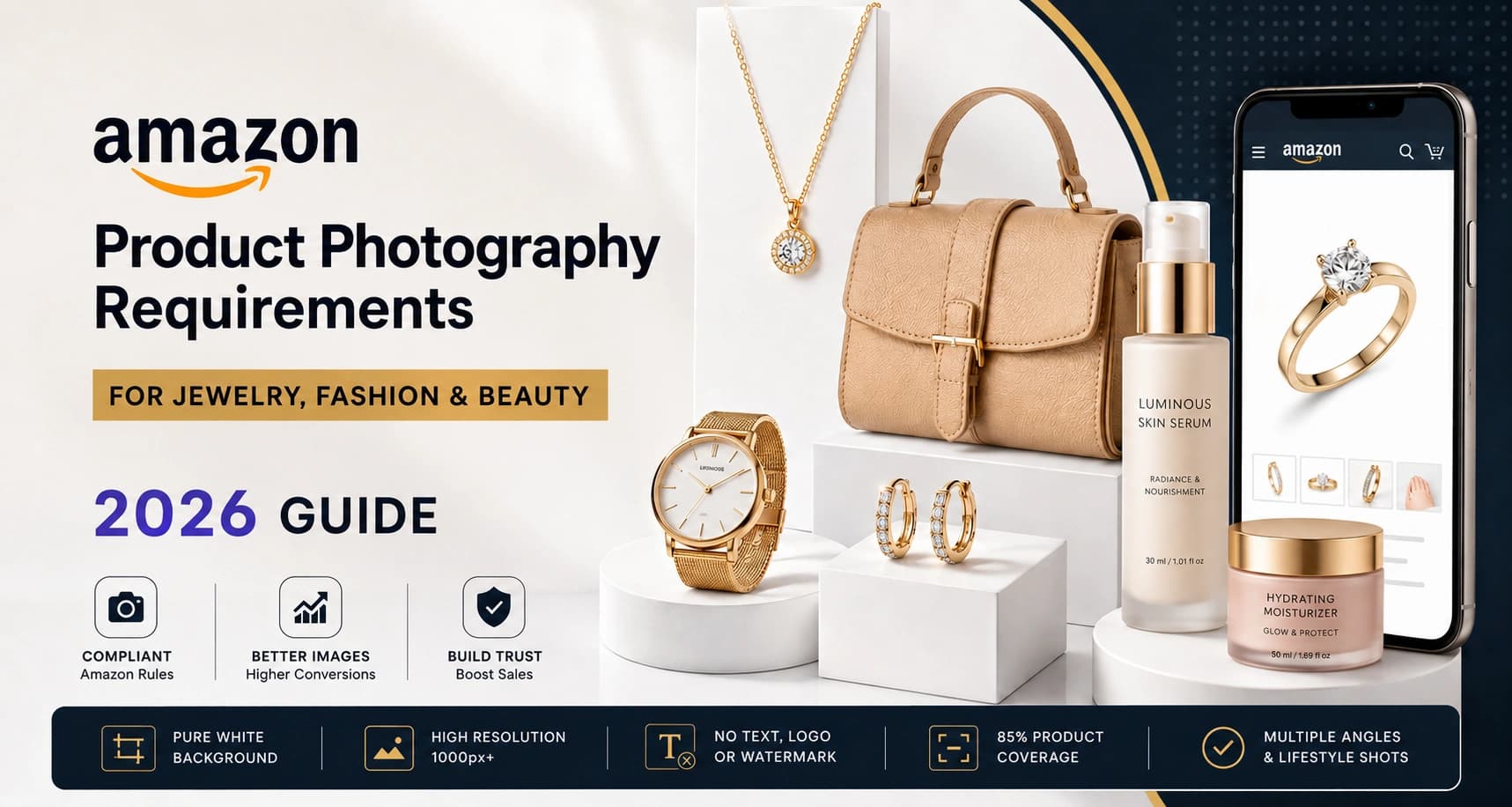
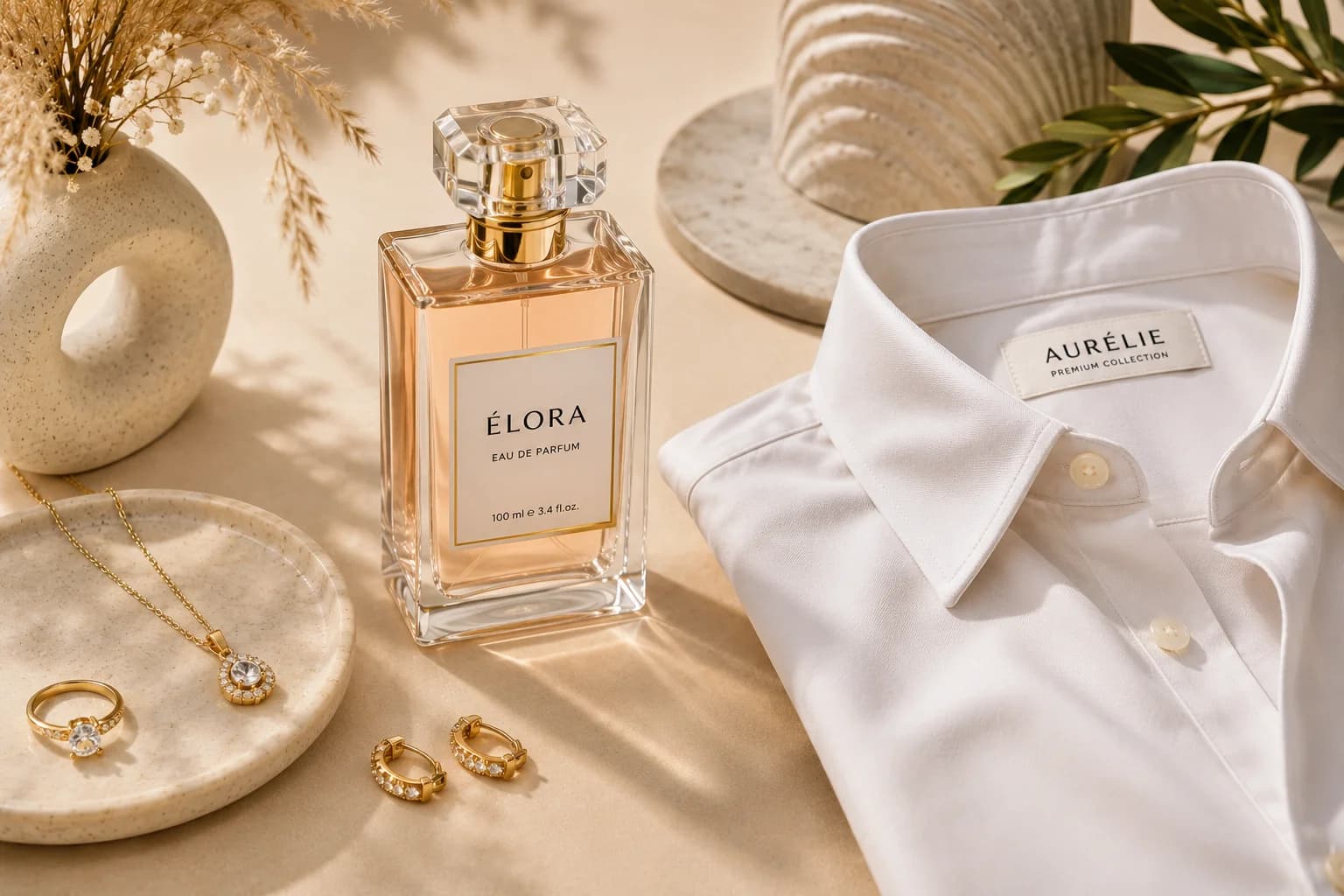
Upload a product photo, pick a selling context and generate clean assets for jewellery, fashion or beauty in minutes.
Best AI photo tools for Etsy sellers are no longer just about background removal. Etsy’s own guidance says the first listing photo should be horizontal or square, recommends listing images at least 2000 × 2000 pixels, allows up to 20 photos plus a 5–15 second video per listing, and notes that high-quality listing photos help visibility in search. Etsy also supports alt text for listing images, which helps accessibility and can improve how your content is understood.
That matters a lot for jewelry, clothing, and beauty sellers, because these categories depend on detail, trust, and visual consistency. A single weak image can make a listing feel less premium, less accurate, and less clickable. Etsy’s own photography and SEO guidance keeps pointing sellers back to the same idea: clean, high-quality, useful photos win attention.
For Etsy listings, your photos are doing more than decoration. They need to show scale, detail, texture, color accuracy, and style direction fast enough that a shopper feels confident before reading the description. Etsy also recommends adding multiple photos and, where relevant, using the listing photo editing tools and alt text to improve the shopping experience.
That is why the best AI photo tools for Etsy sellers should help with more than one task. The best tools should support clean product images, lifestyle scenes, model-based visuals, and simple editing without forcing you into a full studio workflow every time.
| Tool | Best for | Why it stands out |
|---|---|---|
| Monoshoot | Jewelry, clothing, beauty brands | Turns raw phone photos into professional ecommerce-ready product images for jewellery, fashion, cosmetics, and wellness brands. It supports on-model photography, lifestyle scenes, marketplace-ready images, ad creatives, multiple aspect ratios, custom brand color selection, and category specific styles – all inside a workflow designed to be fast and easy for ecommerce sellers. |
| Photoroom | Fast marketplace-ready edits | Offers AI product photography, batch mode, marketplace-specific templates, and brand kits for scaling ecommerce visuals. |
| Flair | On-model fashion and styled scenes | Drag-and-drop AI editor, reusable templates, bulk generation. |
| Pixelcut | Quick product photos and lighting fixes | AI product photo generator with AI shadows and lighting. Useful for fast mobile-first product visuals. |
| Canva | Simple edits and backgrounds | AI background generation, background remover, relighting, Magic Edit, and Magic Expand for easy image cleanup. |
Best fit: Monoshoot or Flair.
Jewelry needs detail accuracy, clean lighting, and premium-looking presentation. Monoshoot is strong here because it is designed for jewellery and preserves product details while creating polished ecommerce visuals. Flair is a strong alternative when you want more styled or on-model jewelry presentation.
Best fit: Flair or Monoshoot.
Fashion listings usually need both clean catalog images and styled model shots. Flair’s on-model photography and bulk content tools make it a solid fashion option, while Monoshoot is useful when you want category-specific ecommerce output with consistent branding.
Best fit: Monoshoot or Photoroom.
Beauty products benefit from crisp packaging shots, clean lighting, and fast variations for ads and listings. Monoshoot supports cosmetics-specific workflows, while Photoroom is useful for batch processing and marketplace-style content creation.
A strong Etsy listing usually needs more than one “hero” image. Etsy allows up to 20 photos and one short video, so a smart listing can show the product from multiple angles, in use, and at a scale the shopper can understand.
| Image Slot | What to Show | Best AI Tool Use |
|---|---|---|
| 1. Main image | Clean product on a simple background | Monoshoot, Photoroom, Pixelcut |
| 2. Detail close-up | Metal finish, fabric texture, packaging, stitching | Monoshoot, Flair |
| 3. Lifestyle image | Product in real-world context | Monoshoot, Flair, Photoroom |
| 4. Variation image | Color, size, style options | Canva, Pixelcut |
| 5. Trust image | Packaging, scale, usage, material cues | Monoshoot, Canva |
| 6. Brand image | Mood, palette, collection consistency | Monoshoot, Flair, Canva |
This structure aligns well with Etsy’s guidance to use high-quality listing photos, multiple images, and clear visual presentation. Etsy also says the first listing image should be horizontal or square, and the listing photo’s quality matters for search visibility.
Monoshoot is a natural fit for Etsy sellers because it is built around ecommerce product visuals rather than generic design output. Its positioning around jewellery, fashion, cosmetics, and wellness makes it especially useful for sellers who need category-aware output instead of one-size-fits-all templates.
That matters for Etsy because each category has a different visual job to do. Jewelry needs precision. Clothing needs fit and styling. Beauty needs trust and packaging clarity. A tool that understands those differences helps sellers move faster without making the listing look generic.
Before publishing a listing, make sure the images support search and conversion:
Overall, Monoshoot is one of the best AI photo tools for Etsy sellers because it is built specifically for ecommerce brands. It helps create Etsy-ready product images, on-model photos, lifestyle scenes, ad creatives, and social media visuals while supporting brand colors, multiple aspect ratios, and category-specific styles for jewelry, fashion, beauty, and wellness.
Etsy allows up to 20 photos and one short video per listing. Using multiple images helps show angles, variations, and real-world use.
AI-generated images can help create product photos and backgrounds, but the final listing should still accurately represent the actual item. Etsy’s image guidance focuses on clear, high-quality, useful listing photos.
Monoshoot is the strongest category fit here because it is built for jewellery, fashion, cosmetics, and wellness and preserves product details while generating professional visuals.
For Etsy sellers, the right AI tool is not the one that makes the flashiest image. It is the one that helps you create accurate, category-appropriate, high-quality photos fast enough to keep your shop moving. Etsy’s own guidance keeps pointing sellers toward strong listing photos, multiple image angles, and clear presentation — and that is exactly where the best AI photo tools make the biggest difference.